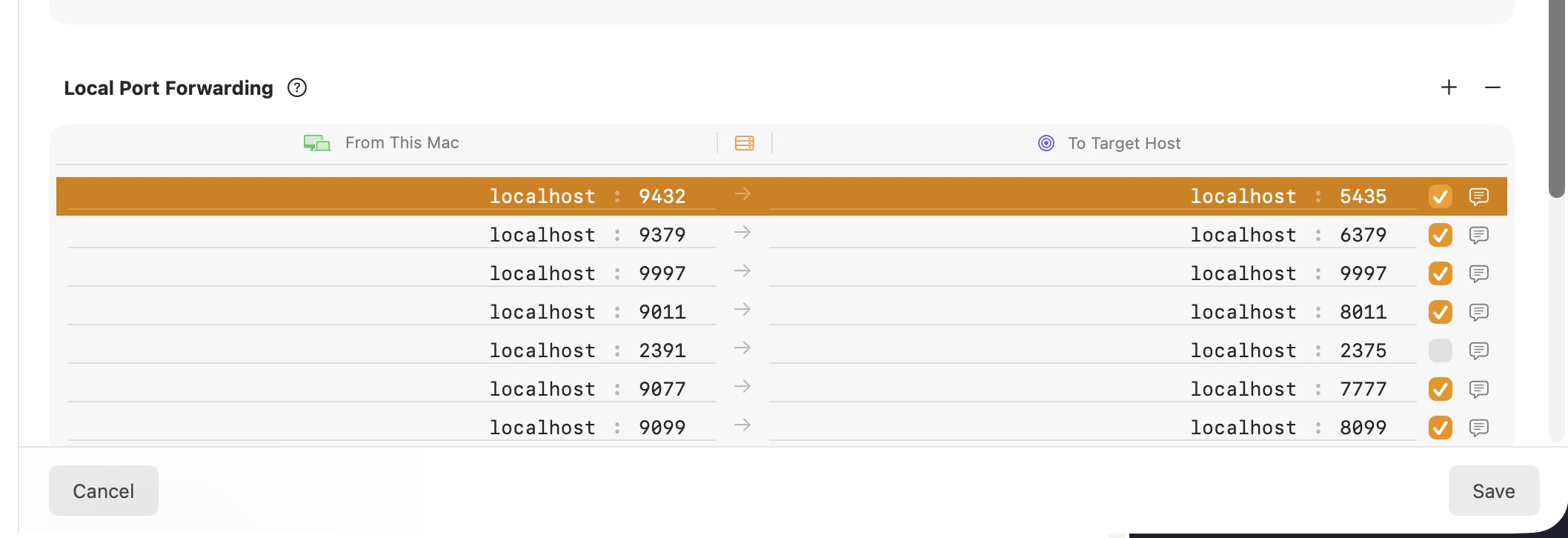
Hello, i’ve updated to the latest version of core tunnel 4.0.1, since then I am not able to modify the local port forwarding fields. For example I have created a rule which i wanted to update the local port 9432 to an other value. This is not possible any more. Editing doesn’t work. Same issue with the host field.
Also an other visual thing , with new version I need to hover over to see the comment (postgres), before it was very nice to have the comment displayed inline. Having many ports mapped it becomes hard to remember the ports and need to use mouse to find out which ports is mapped to which service, it is possible to bring back the old way of displaying the comment next to each rule ? or be able to configure how comments are displayed
okay I try again following your comment, so when i selected the row and then pressed Enter it worked i was able to change the host and port, I have the impression in the previous version it was not necessary to press Enter to enter into edit mode, just one clicking in the host or port was enough to enter into edit mode.